

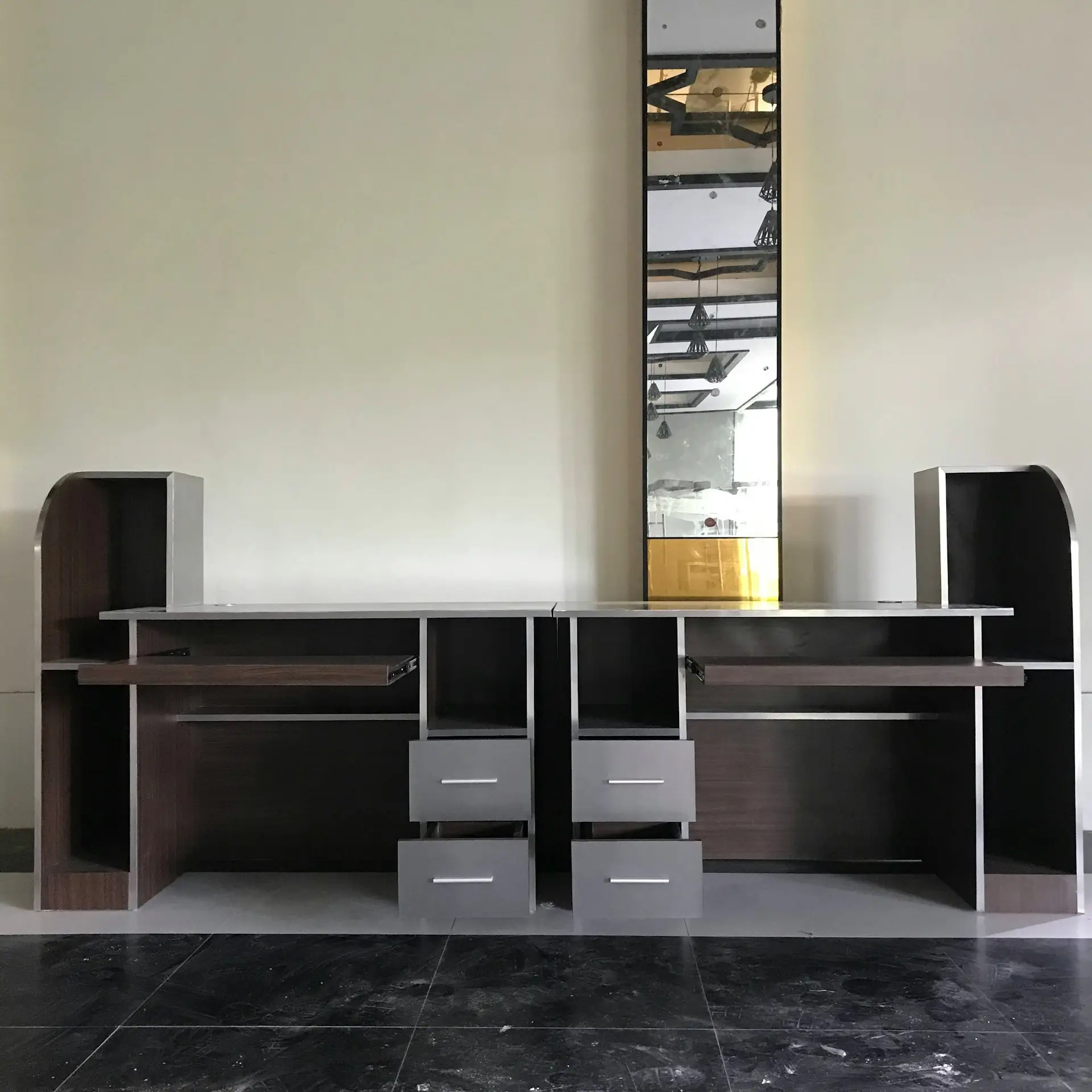
Introduction: Why “Modular Furniture Installation Toronto” is a High-Stakes Job
When you type modular furniture installation Toronto into a search bar, you’re not just hunting for “furniture installers.” You’re seeking someone who understands Toronto’s building codes, narrow stairwells, condo elevator timings, local permitting nuances—and the quirks that only 20+ years in this game teach you. Over two decades of overseeing modular systems in offices, retail spaces, condos, and custom homes, I’ve run into nearly every mistake you could imagine. Some of these errors cost nothing more than embarrassment; others can derail the budget, void warranties, or create safety hazards.
This article isn’t just a generic “5 tips” list. It’s a forensic retrospective on the errors I’ve seen (and fixed) over years of modular furniture projects in Toronto and beyond. Each “mistake” below is something I’ve encountered personally, often in the field at 8 pm when clients are breathing down your neck. My aim: let you sidestep the worst missteps before your install day.
1. Mistake: Skipping a Thorough Site Survey & Pre-Measurement
Why many fall into this trap: The temptation is to “eyeball” the space from architectural drawings or photos and begin. But in real life, columns, HVAC ducts, sprinklers, baseboards, power/data outlets, or ceiling bulkheads often exist where drawings don’t indicate them.
What I’ve seen: On a high-rise downtown, the client assumed a modular casework system would slide easily through the condo elevator — only to find the elevator’s internal ceiling height was lower than expected, forcing a last-minute split and repackaging on the 30th floor. That’s five hours lost, extra labour, and an upset client.
How to avoid:
- Physically walk the route from loading door to final installed location, measuring every width, height, and clearance. Include doors, stairwells, elevator openings, corridors, thresholds.
- Measure ceiling-to-floor, underside of beams, HVAC ducts, conduit runs, sprinklers.
- Mark anchor points (studs, concrete walls) for modular panels.
- Verify power, data outlet locations, and their heights (you might need to route modules around them).
- Pre-tag and photograph critical points (e.g. “this wall is masonry, no drywall behind it,” “this access panel is above ceiling”).
2. Mistake: Underestimating Complexity (Thinking Modular = Simple)
Modular doesn’t mean plug-and-play. A module may look like a single box, but behind it are multiple parts—frames, gaskets, fasteners, connectors, vertical posts, attachments, electrical/hardware integration. Many clients (and even some contractors) treat them like flat-packs, but they are far more involved.
In one retail fit-out, a module’s corner post was loaded externally (for signage support). The installer ignored that and mounted panels flush, only to force the signage bracket to bend the entire module days later.
Because of the modular system’s interdependencies, one tiny misalignment cascades into big problems. The lesson: treat modular like structural elements, not just furniture.
3. Mistake: Failing to Coordinate with Other Trades (MEP, Finishes, HVAC)
Modular furniture doesn’t exist in isolation—electrical, lighting, HVAC diffusers, sprinklers, wall finishes, glass partitions, ceilings—all interact. A classic error is scheduling furniture installation before finishes are complete or before coordination with mechanical/electrical/plumbing (MEP) teams.
Real example: On a call center project, the modular workstation layout assumed ceiling diffusers would be centered over desks. But the HVAC team later rerouted ductwork off that grid. The modular cubicle panels then interfered with diffusers and lighting, forcing rework.
Another: flooring (raised floor or carpet) wasn’t at final thickness when modules were ordered, so the modules ended up being slightly tall, creating gaps at the top of panels.
Advice:
- Freeze modular layout only after MEP drawings are final.
- In your sequencing, allow modular installation only after substrate, slabbing, primary finishes, and ceiling grids are installed.
- Hold coordination meetings among trades and modular furniture supplier.
- Use BIM or clash-detection tools if possible to detect overlaps.
4. Mistake: Ignoring Tolerances, Clearances & Adjustability
Over 20+ years, I’ve yet to work on a site where everything is perfectly plumb, level, or square. Walls wobble. Floors slope. Doors aren’t true. If you don’t build in adjustability, modular systems fight the structure.
Case in point: A client requested fully flush modular wall panels against a drywall partition. The installer didn’t leave adjustment slack; the panels, when mounted, bowed because the drywall was slightly bowed. The aesthetic lines looked awful. They had to remove, shim, and reset.
Best practices:
- Build in ± 3–5 mm tolerance (or more) for minor misalignments.
- Use adjustable mounting brackets, shims, and seaters.
- Start critical modules first (those that lock in overall alignment), then build outward.
- Use laser-leveling tools and plumb lines to adjust everything as you go.
- Don’t rely on the wall or floor to be perfect—make the module system accommodate the deviations.
5. Mistake: Improper Anchoring / Skipping Stabilization Checks
Modular units—especially tall cabinets, shelves, partitions—can tip if not properly anchored or braced. Skipping or undersizing anchoring is a serious safety risk.
Scenario I encountered: A tall modular shelving unit over a mezzanine was installed without back-to-structure anchoring (client insisted it be freestanding). During a small seismic vibration (or strong vibration during adjacent work), the unit tipped and damaged units below. Thankfully, no one was hurt, but insurance cost and liability issues ensued.
What to do:
- Always anchor modular furniture back to structural elements (studs, concrete walls) with proper fasteners.
- Use anti-tip brackets, cross-bracing, or internal structural frames.
- In multi-floor high-rises, consider wind or building sway (especially for glass partitions).
- Conduct “stability checks” post-install: push test, shake test, ensure modules don’t wobble.
- Document anchoring (photographs, annotated shop drawings) for client and warranty proof.
6. Mistake: Not Sequencing Install Properly (Phasing / Logistics Errors)
Even if everything is perfectly measured and engineered, a poor installation sequence can wreck a project. In my decades of managing installs, I’ve seen modules installed too early, too late, or in the wrong order.
Poor sequence example: On a medical office renovation, modular cabinetry arrived before drywall was even finished. Workers had to maneuver around protruding studs and dangling wires, damaging the modules. In another, modular casework in a corridor blocked access for HVAC, forcing partial removal and reinstallation.
How to avoid:
- Develop a detailed installation schedule with phasing, buffer times, precedence constraints.
- Start from the corners/endpoints and move inward to maintain alignment control.
- If modules block pathways for later modules or trades, install in reverse order or build temporary access routes.
- Coordinate deliveries so modules arrive just-in-time (neither too early nor too late).
- Always allow flexibility and buffer days—never assume zero float.
7. Mistake: Failing to Inspect & Inventory All Components On Arrival
In modular systems you receive dozens (or hundreds) of panels, connectors, fasteners, brackets, hardware packs, and more. Missing even a few screws or connectors can halt the entire job.
I once had a situation where the hardware pack for a modular wall divider was missing — and because the client insisted on immediate install, the team had to pause and scavenge parts, wasting hours.
Checklist approach:
- Unload and inventory parts on arrival, checking against packing lists and shop drawings.
- Segregate hardware by module and label everything.
- Keep a “spare kit” of generic fasteners, extra brackets, screws, etc. (Every seasoned installer carries these.)
- Mark any discrepancies immediately and file for replacement parts before install day.
- Document with photos and sign-off by client/trade partner so disputes later are avoidable.
8. Mistake: Poor Documentation, Missing Shop Drawings & As-Builts
I can’t emphasize enough: documentation is your best friend. In many failed projects I’ve been called to salvage, the root cause is missing or flawed shop drawings, missing module labels, or no as-built record.
What’s gone wrong:
- A modular office partition was built based on old drawings; later, electrical conduit was inadvertently run behind the modules, blocking future access.
- A suite of modular wardrobes was delivered with no serial numbering, making future warranty claims or part replacements harder.
Best practice:
- Require full shop drawings (in 3D or 2D), module labeling, parts lists, and installation sequences before procurement.
- During installation, update with as-built notes: modified heights, removed modules, changed anchoring, cable routing.
- Photograph locations, anchor points, concealed modules behind panels, interface zones.
- Provide the client with a clear as-built dossier so future teams can reference and avoid guesswork.
- Link this documentation to other internal systems (facility management, maintenance manuals).
9. Mistake: Poor Cable Management & Hidden Utilities Integration
In modern modular systems, it’s not just panels—they often house power, data, lighting, AV, sensors, HVAC vents or even plumbing in some custom builds. Improper planning for cable runs, conduit knockouts, grommets, and raceways kills functionality.
In one tech startup’s modular installation, the power/data ports were misaligned with workstation surfaces by 25 mm—forcing desk modules to be shifted, conflicting with lighting and hitting drywall corners. The fix cost half a day of rework.
How to prevent:
- Pre-plan cable routing in the modular layout stage. Know where power, data, AV, and lighting tie in.
- Use proper grommets, raceways, vertical cab modules, trunking.
- Leave slack for future reconfiguration or moves.
- Label cables and terminations clearly.
- Coordinate with electrical and AV trades well ahead; ensure conduit stub-outs land exactly where modular panels expect them.
- In high-rise buildings, consider electromagnetic interference, building grounding, fire code access.
10. Mistake: Rushing Quality Control & Skipping Final Checklist
When the clock is ticking and the client is breathing down your neck, the temptation is to “call it done” early. But skipping final QC is one of the gravest mistakes.
Examples I’ve faced:
- A drawer in a modular storage unit misaligned internally, causing binding—this was found days later when staff tried to use it.
- Gaps between modules weren’t tightened, leaving light leaks or dust accumulation.
- Anchor bolts weren’t torque-checked; months later a module loosened.
- The client didn’t sign off a punch list, and months later demanded warranty fixes—hard to argue when no sign-off existed.
Quality control protocol:
- Use a structured final checklist: alignment, plumb, level, anchoring torque, drawer/door function, cable strain relief, gap tolerances, finish touch-up, signage alignment, lighting integration, bumpers.
- Have a “punch walk” with the client or representative—go through every module, every joint.
- Photograph before and after corrections.
- Require formal sign-off on as-built conditions and punch list items.
- Maintain a warranty log and tracking system.
Bonus: Toronto-Specific Pitfalls (Because “modular furniture installation Toronto” has local quirks)
Because you specifically want modular furniture installation in Toronto, here are extra gotchas I’ve learned in the GTA region:
- Condo / high-rise elevator booking constraints
Many condos require elevator booking, padding, protection, move-in windows, noise curfews etc. Installers must coordinate months ahead and often pay fees or deposits. - Weight & load limits in heritage or older buildings
Floors or mezzanines may have lower load limits than anticipated—especially when modules are heavy. Always check with structural/engineering. - City permitting, HVAC codes, fire-stop, fire-rated walls
Some modular walls adjacent to corridors may need fire-rating compliance or penetrations to be fire-stopped per Toronto building code. - Noise / disturbance rules, union labor or building management rules
You may get restricted times or need to use union-licensed trades in certain commercial buildings in Toronto. - Winter / temperature / humidity effects
In cold months, modular components (wood, adhesives, gaskets) may not behave ideally. Leave acclimation time in climate-controlled storage. - Traffic, parking, boom lifts & staging zones
On downtown sites, stage zones are limited, road permits may be needed, crane lifts may be needed for rooftop delivery or facades. - Local supplier logistics & replacement parts delays
If proprietary modules aren’t stocked by nearby Toronto vendors, replacement parts may take several days to ship, which is critical in urgent fix jobs.
Summary & Takeaway
If I were to boil down 20+ years of modular furniture installation wisdom in Toronto into one mantra: measure twice, plan every interface, leave slack for adjustments, and never skip checks. The ten mistakes above represent failures I’ve seen (and fixed) when teams cut corners or assume simplicity.
By watching these pitfalls — from skipping a survey to ignoring documentation, from poor sequencing to shoddy anchoring — you can safeguard your project’s budget, timeline, safety, and reputation.