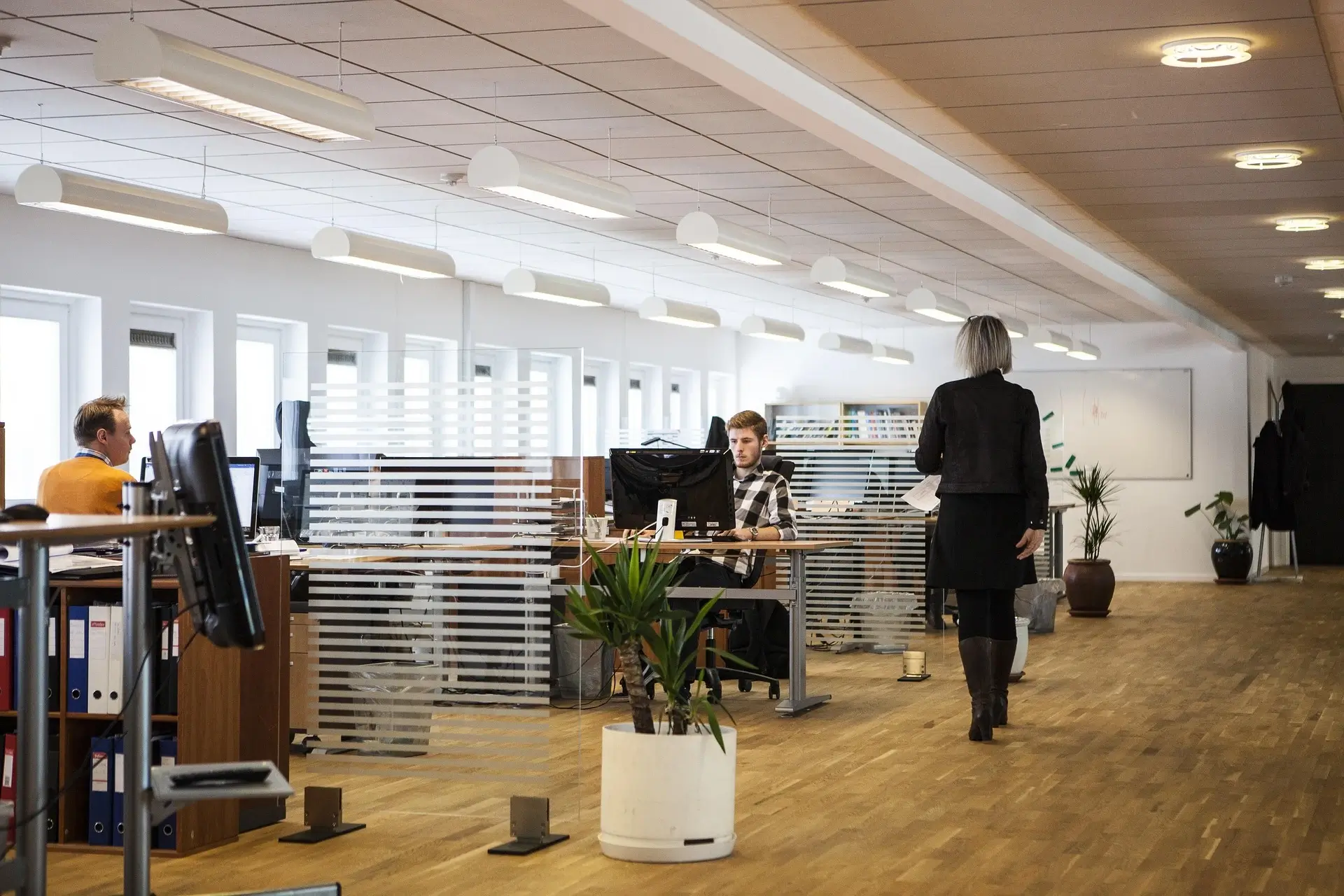

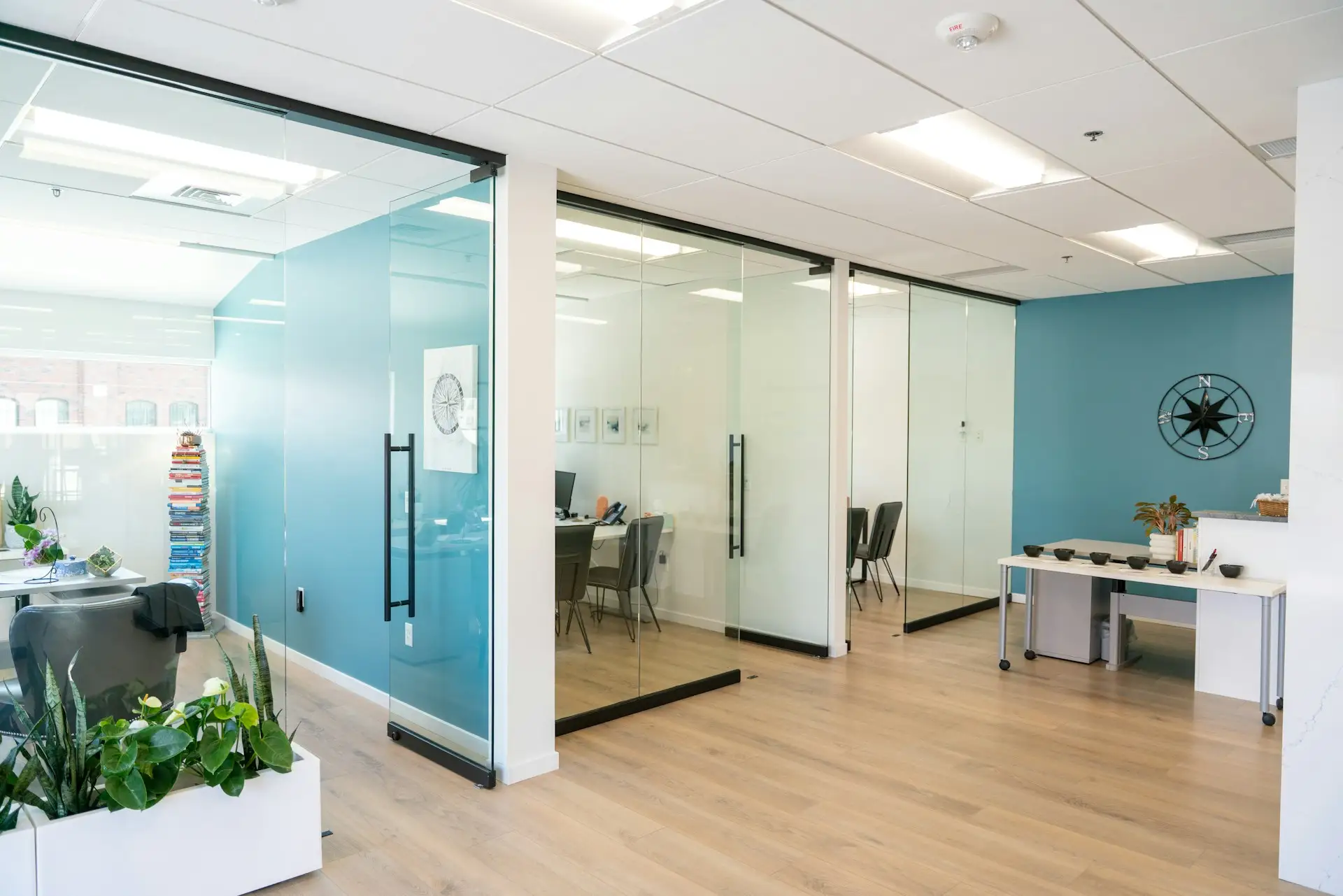
Why Office Reconfiguration Benefits Productivity
When we talk about “office reconfiguration,” we’re not just referring to moving desks around. We mean a purposeful redesign of spatial flow, furniture layouts, acoustic zones, light paths, and even the intangible “feel” of an environment. Through decades of working with offices as living systems, I’ve come to see reconfiguration as one of the most potent levers for boosting productivity, morale, and long-term flexibility. Let me walk you through why that is, how to do it well, and what pitfalls to avoid.
What “Office Reconfiguration” Really Means
Before diving into benefits, let’s define the term:
- Layout realignment: repositioning desks, workstations, meeting rooms, circulation paths.
- Zoning & typology: carving focused zones, collaboration zones, quiet rooms, social hubs.
- Ergonomics & furnishing: upgrading desks, seating, monitor arms, adjustable surfaces.
- Acoustic design: sound masking, partitions, absorptive surfaces.
- Lighting & daylight access: optimizing natural light access, layering artificial light.
- Flexibility & modularity: furniture that can be moved, walls that shift, plug-and-play design.
- Biophilic and sensory touches: integrating plants, natural materials, views, HVAC improvements.
This is not a one-and-done cosmetic tweak. It’s a systems design approach where each element amplifies the others.
1. Enhanced Focus and Deep Work
One of the most immediate benefits of thoughtful office reconfiguration is improving spaces for deep, concentrated work. In many legacy layouts, all desks are placed in open areas with little acoustic control, leading to constant guard against interruptions.
- Studies show open-plan offices sometimes decrease productivity: for example, one survey reported 37% of employees felt their office design hurt their output.
- A well-configured layout introduces quiet zones, pods, phone booths, or semi-enclosed cubicles so employees can temporarily withdraw from noise and distractions.
- Acoustic treatments—sound-absorbing panels, ceiling baffles, carpeting—help tame ambient noise and reduce strain on concentration.
By giving people a place to “get in the zone,” you reduce context switching, which can cost up to 23 minutes to recover from an interruption (per widely cited cognitive studies). The better your layout supports pockets of silence, the stronger the focus.
2. Better Communication & Collaboration
On the flip side of focus, reconfiguration can optimize for flow of interaction when needed.
- Proximity matters: employees seated within about 25 feet of high-performers see performance boosts (peer effect).
- Traditional cubicles or closed offices may limit spontaneous collisions, which are the seeds of innovation.
- The trick is not to force everyone into one open space, but to design collaboration nodes (small huddle rooms, whiteboard walls, touchdown areas) adjacent to individual zones.
By balancing adjacency with privacy, reconfiguration encourages timely collaboration while preserving individual agency.
3. Health, Well-Being & Ergonomics
You may think aesthetics are secondary, but staff health and comfort are foundational to sustainable productivity.
- A strong ergonomic program (adjustable desks, proper seating, monitor arms) reduces musculoskeletal disorders and helps reduce absenteeism.
- Indoor air quality and ventilation are no jokes: better ventilation has been shown to increase productivity by ~11% in controlled studies.
- Biophilic touches—plants, natural light, views—boost morale, reduce stress, and improve mood. According to research, even small amounts of nature in the office enhance productivity and well-being. Harvard Business
- Lighting that aligns with circadian rhythms, proper temperature control, and user control over micro-adjustments (e.g. desk lamps or dimmers) all contribute to comfort and energy levels throughout the day.
Thus, reconfiguring your office is part architecture, part human physiology design.
4. Space Utilization & Cost Efficiency
An underused office is a sunk cost. Reconfiguration helps you wring more bang from your square footage.
- Studies suggest ~40% of office space sits unused on any given day in many organizations. Gable
- Through space utilization audits, sensor data, and user surveys, you can identify underused zones, bottlenecks, and wasted pathways.
- With better layout, you may reduce furniture footprint, eliminate redundant circulation zones, and free up room for additional functions (or downsize real estate).
- Flexibility is key: modular furniture and movable partitions allow you to adapt layout without full renovation when your business evolves.
In short, a reconfiguration can pay for itself through reduced waste, smarter density, and adaptability.
5. Employee Satisfaction, Retention & Culture
Your workplace is a statement about your culture. If your space feels stale, rigid, or impersonal, it communicates that the organization is too.
- When people feel their work environment is designed for them, they feel valued. That sense of support, autonomy, and choice is a major retention lever.
- In a recent redesign I led, simply giving staff more control over lighting, choice in seating, and dedicated quiet corners led to perceptible morale uplift, fewer complaints, and greater pride in the workspace.
- A well-conceived office layout reinforces brand images: whether you want to signal innovation, transparency, community, or precision, the physical space becomes a living brand manifesto.
This is intangible, but it shows in recruitment, internal culture, and how people talk about the place.
6. Agility in a Changing World (Hybrid, Future Growth)
In today’s hybrid work world, your office can’t be rigid. Reconfiguration prepares you for unpredictable shifts.
- Modern design thinking emphasizes activity-based working (ABW): people move to different zones depending on tasks (deep work, meetings, calls).
- Modular layouts, movable walls, plug-and-play desks, and hybrid meeting pods allow you to pivot as teams grow/shrink or as use patterns evolve.
- Some advanced offices even experiment with mobile robotic partitions that dynamically create or dissolve enclosed subspaces based on need.
- Because roles, teams, and work styles shift over years, a robust reconfiguration now sets you up to regularly re-tune without major rebuilds.
Thus, reconfiguration is not a one-time expense but a strategic infrastructure investment.
7. Data-Driven Decision & Metrics
One of the strengths of reconfiguration is that it can and should be evidence-based.
- Use occupancy sensors, desk diaries, digital booking logs, and surveys to map how people actually move, congregate, and use space.
- Identify the “dark zones” (areas rarely used) and “overload zones” (crowded during peak times).
- After reconfiguration, monitor KPIs: utilization rates, time lost to distractions, meeting pinch-points, employee satisfaction scores.
- Use iterative tweaks: reconfigure in phases, test, listen, refine—don’t try to get it perfect in one shot.
This feedback loop turns your office into a living system with continuous improvement.
8. Pitfalls & What To Watch Out For
Because I’ve done dozens of reconfigurations, let me warn of common traps:
- One-size-open-office trap: forcing everyone into open layout will backfire (noise, distractions). Always complement with private or semi-private zones. Ciphr+1
- Ignoring individual variation: personality differences matter. Some prefer private offices; others thrive in open zones. A study found extraverts gravitate to open seating, while more introspective folks prefer quieter spaces. California State University, East Bay
- Neglecting acoustics: reorienting desks without addressing sound can make things worse by channeling noise.
- Over-density: cramming desks too close to squeeze more capacity often backfires by reducing circulation and increasing stress.
- Lack of user buy-in: if your people aren’t consulted, you’ll hit resistance or underuse.
- Rigid design: if nothing is modular, future changes require full rebuilds.
If you avoid those, your reconfiguration has a much higher chance of sticking.
9. Practical Steps to a Successful Reconfiguration
Here’s a practical roadmap (based on what’s worked across many projects):
- Baseline audit & data gathering
- Sensor usage, booking logs, employee surveys, workflow mapping.
- Identify pain points: noise hotspots, over-congestion, dark zones.
- Define objectives & personas
- What tasks dominate (calls, coding, collaboration, design)?
- Who needs private space vs. social zones?
- Are you scaling up/down?
- Design prototype layouts
- Create several options, mockups, “bubble diagrams.”
- Simulate circulation flow, adjacency, lighting paths, acoustic barriers.
- Select modular & ergonomic furniture
- Mobile desks, height-adjustable tables, acoustic panels.
- Choose pieces that can shift without full demolition.
- Pilot zones & user feedback
- Do a small area first (e.g., one team or floor).
- Gather feedback: how do people feel? What conflicts arise?
- Roll out phased reconfiguration
- Move in waves, not all at once.
- Provide guides, orientation, and buffer time.
- Monitor & refine
- Track metrics (utilization, satisfaction, complaints).
- Adjust layout, signage, acoustic treatments, or furniture as needed.
- Institutionalize periodic refresh
- Don’t treat it as a once-in-a-decade fix. Revisit every 2–4 years as your team evolves.
10. Real-World Illustrations (Lessons From Projects)
In one mid-sized engineering office I consulted for, we reconfigured the 5th floor from a sea of open cubicles to a “neighborhood” model: clusters of 8–10 desks around a mini hub (whiteboard, small lounge) + adjacent quiet pods. The result: cross-team conversations increased, interruptions dropped, and staff surveys showed a 25% jump in perception of “can do deep work.”
In another example, I advised a marketing firm to shift their layout to support hybrid work. They replaced fixed desks with hot desks + reservation software + semi-private pods around the perimeter. That freed up space for more meeting zones without expanding real estate. Usage data showed the new layout had a 90% utilization rate in peak hours vs 60% in the old layout.
These examples underscore: good reconfiguration isn’t just theory — it delivers measurable gains.
Summary: The Multiplier Effects of Reconfiguration
When done well, office reconfiguration is one of the highest-leverage changes a company can make. The benefits stack:
- More focused, distraction-resistant time.
- Easier and more creative collaboration.
- Healthier, more comfortable work conditions.
- Smarter space use and cost containment.
- Improved morale, branding, and retention.
- Built-in agility for future change.
- A feedback loop of continuous improvement.
In my view, reconfiguration is not a “nice-to-have”; it’s a core enabler for a high-performing culture.